
Tables
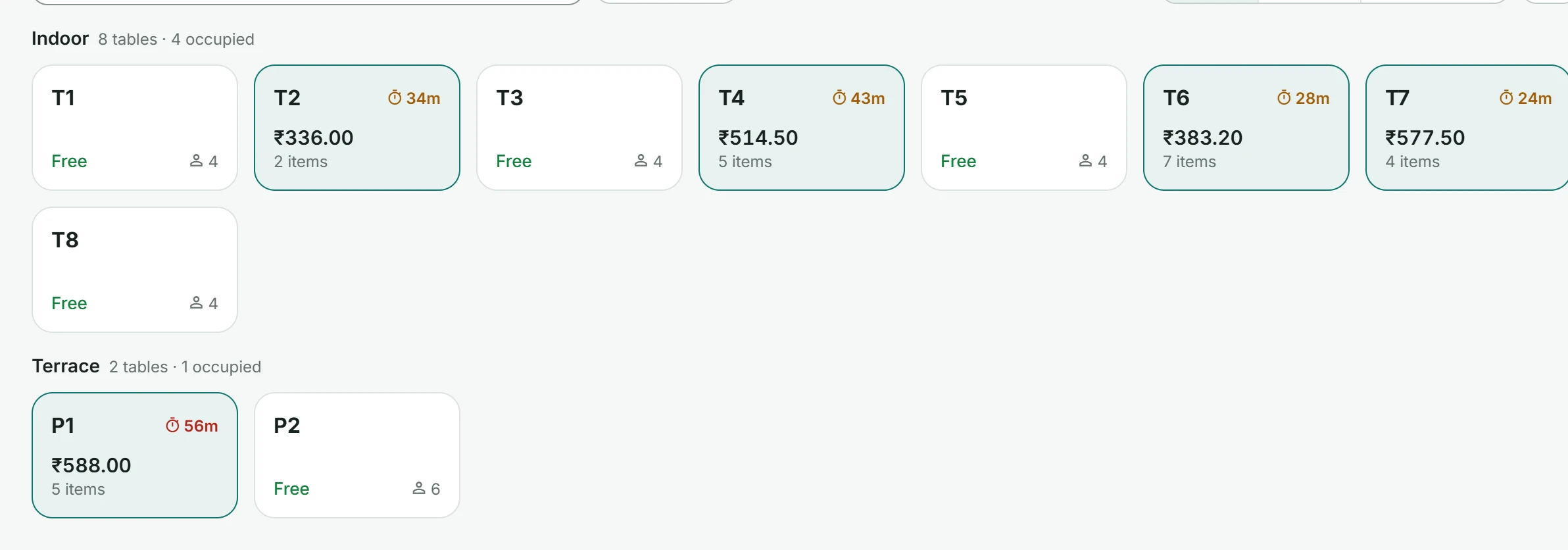
See which tables are free, how long guests have been seated and each bill.
Aestrox POS
Point of sale for cafés and restaurants. Take orders, send them to the kitchen and close the day with clear numbers, in the browser or on Android.
14 days free. Our team helps you set up your menu and team.
Everything your counter, kitchen and office need during service, in one workspace for your whole team.
Ordering
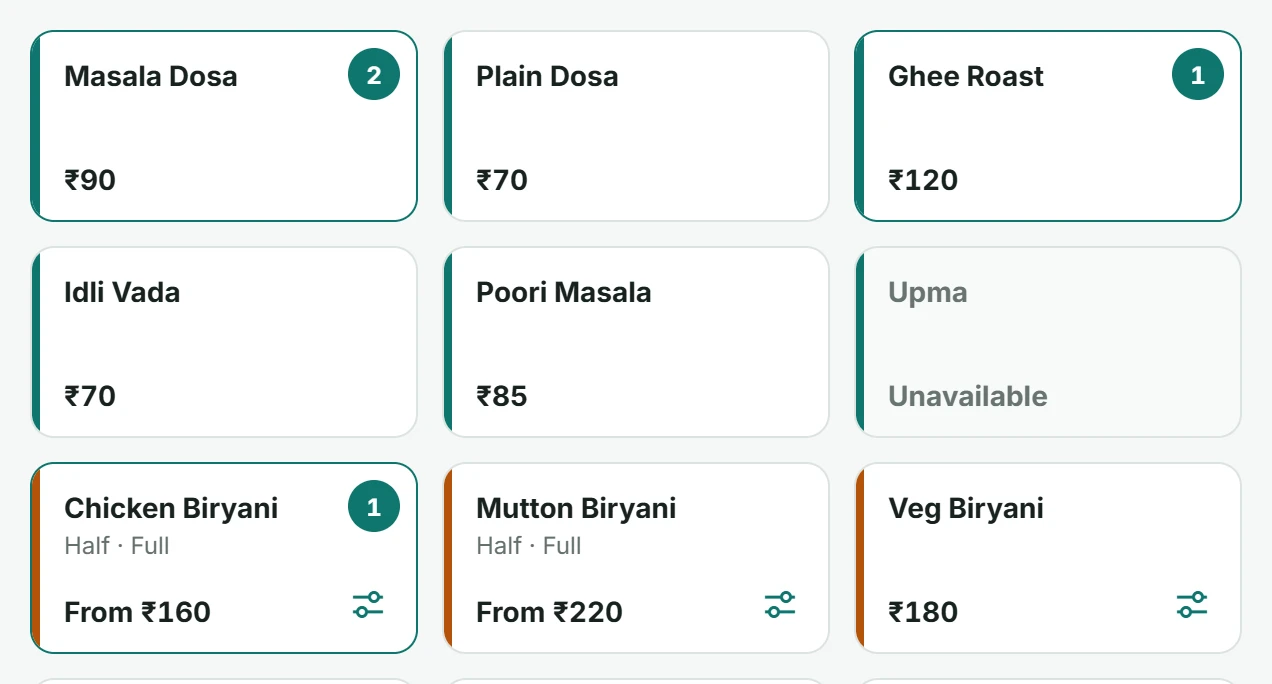
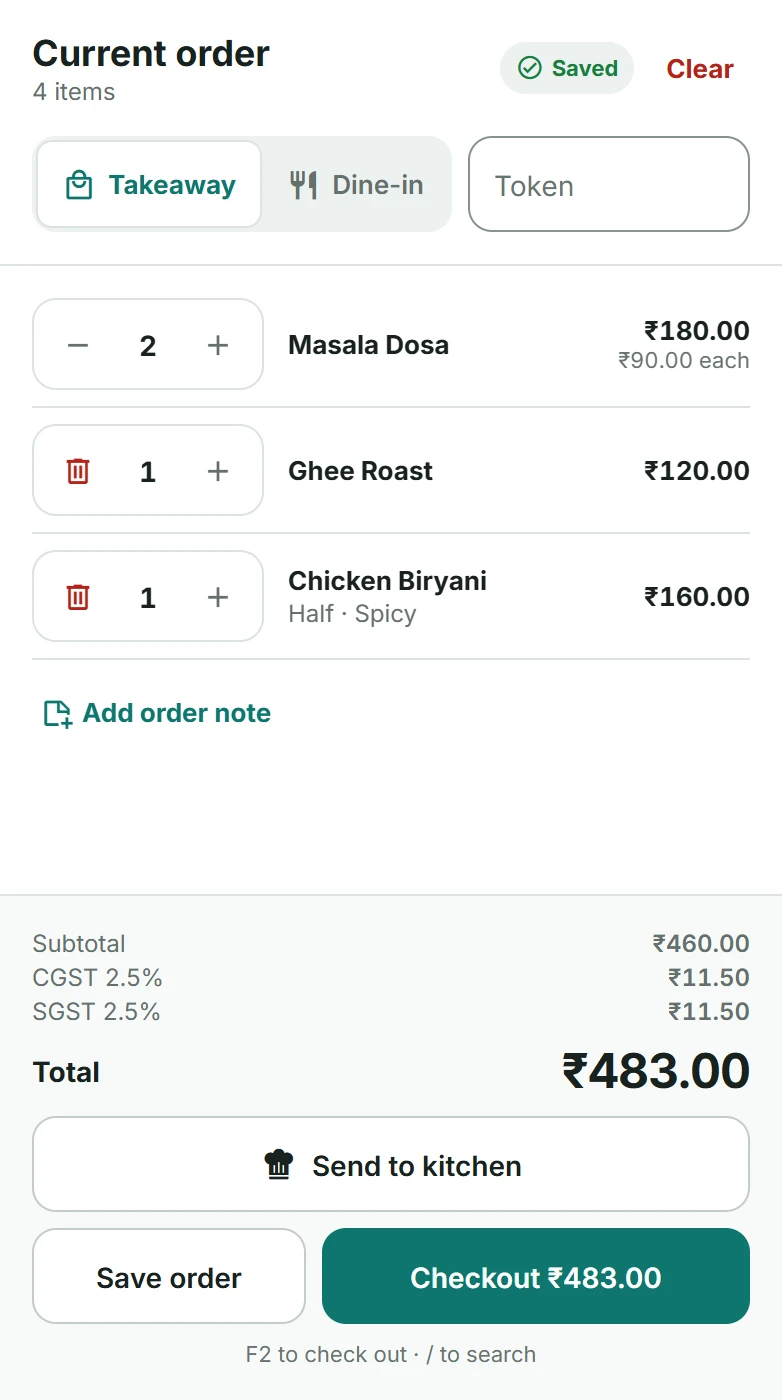
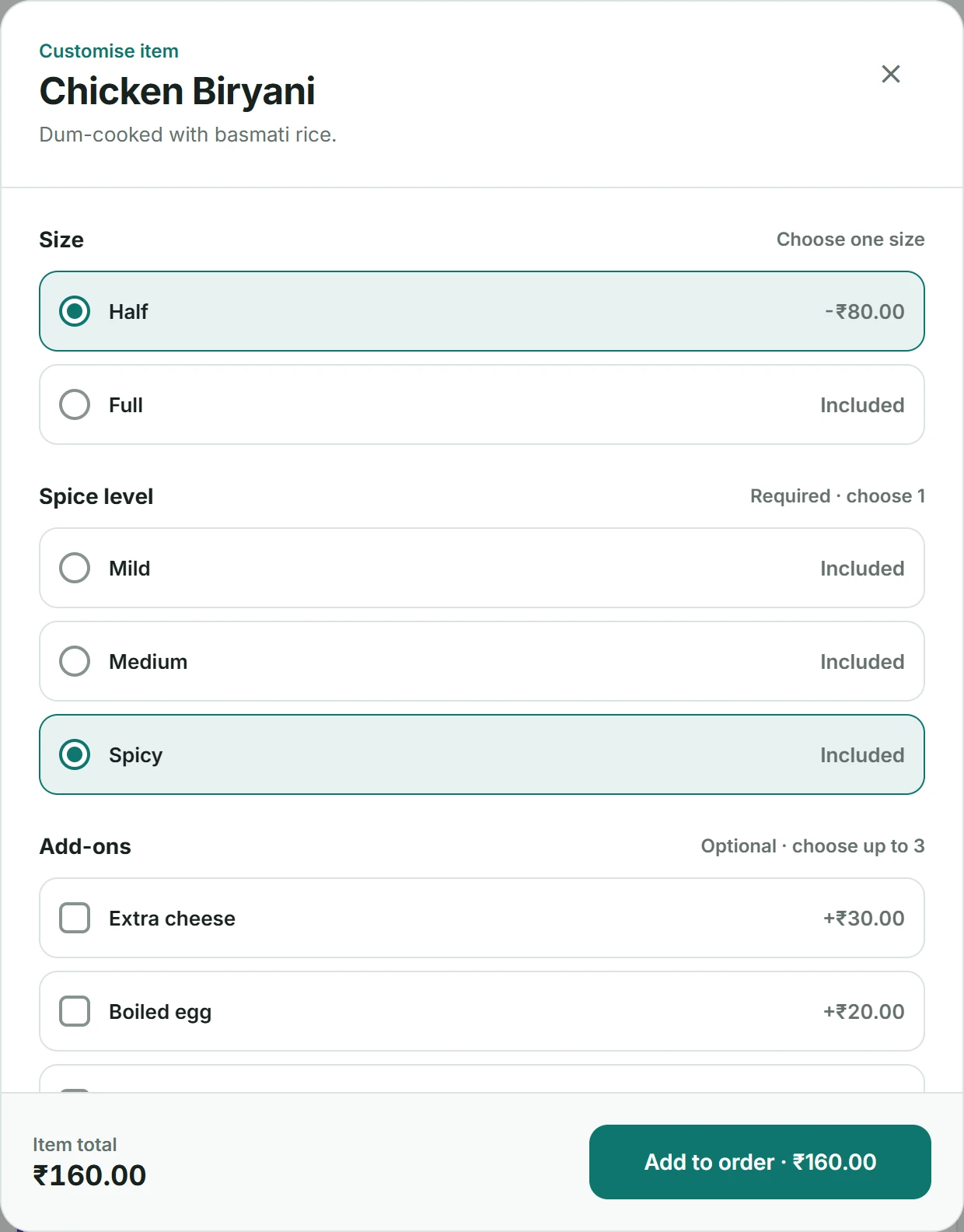
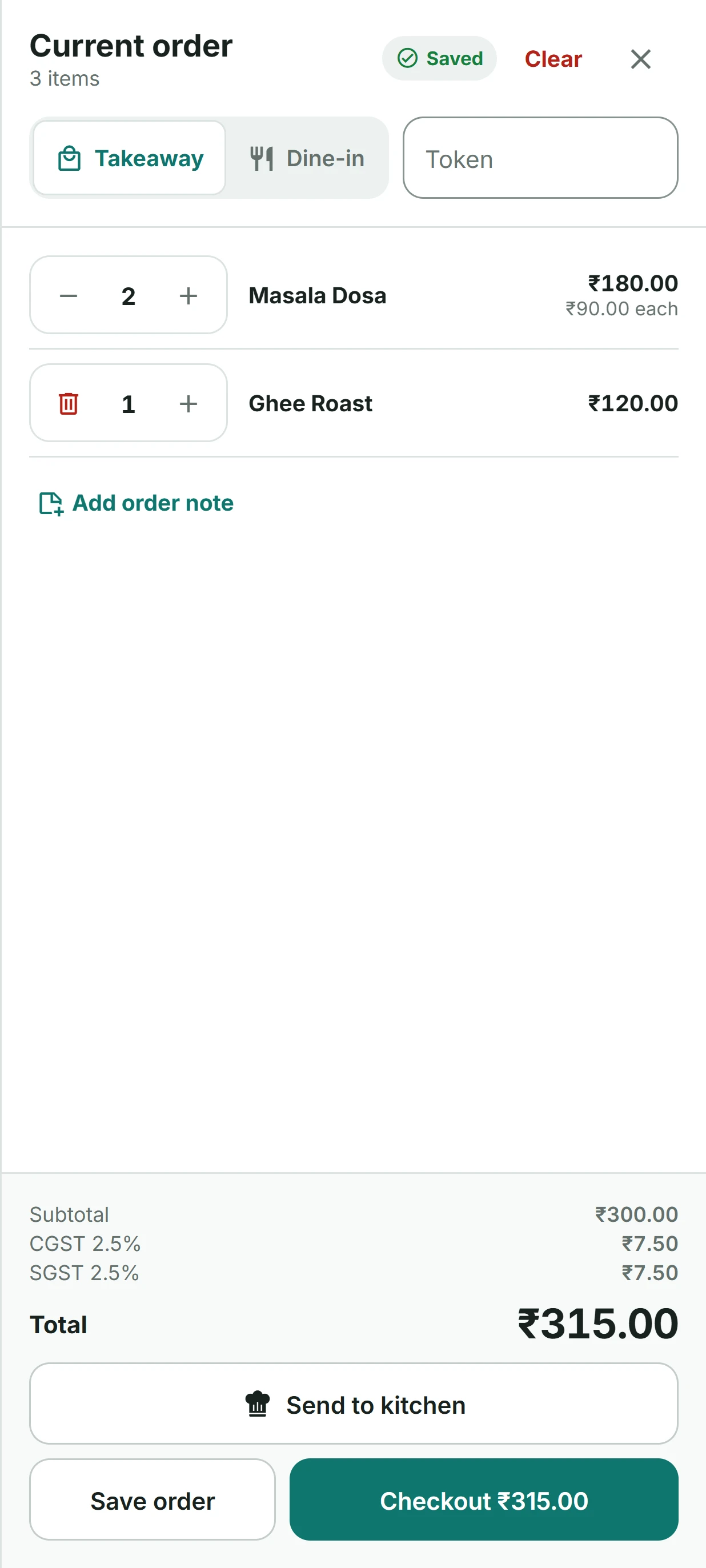
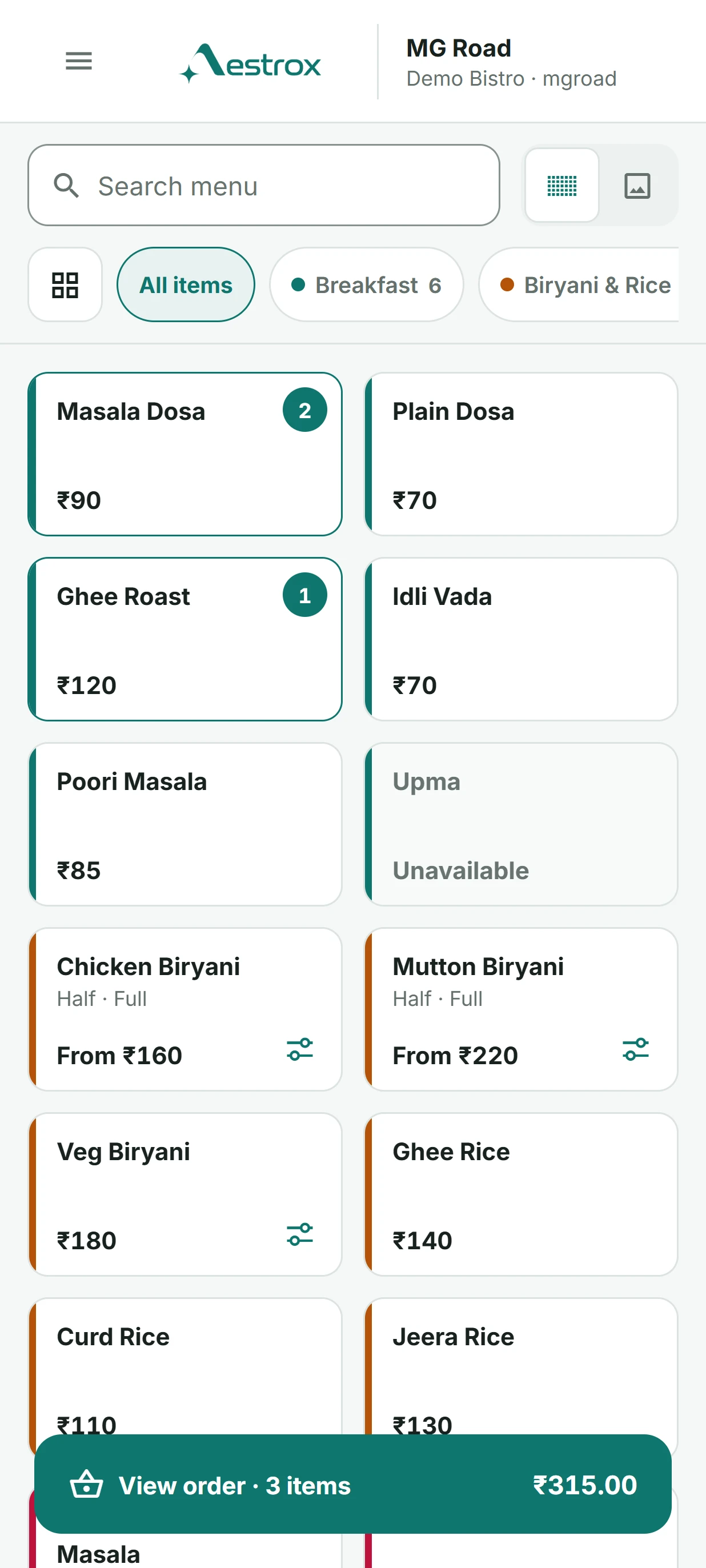
Tap an item to add it. Choose half or full, set the spice level and add extras in one step. The total and tax update as you go.
Kitchen
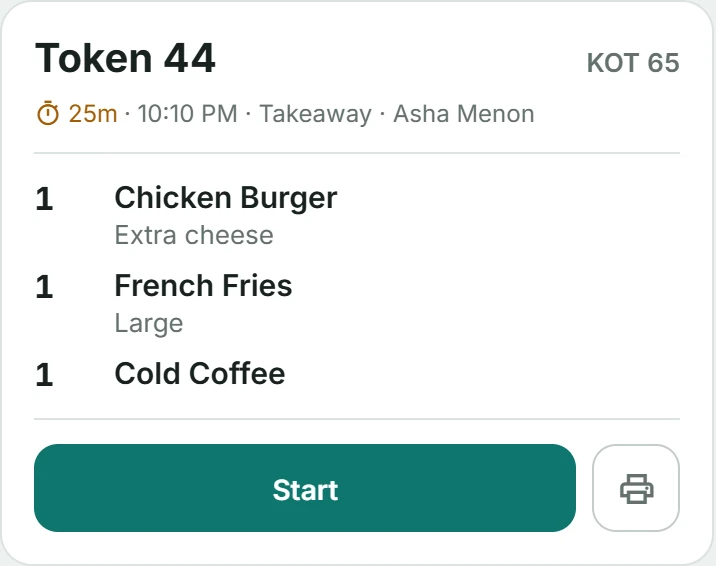
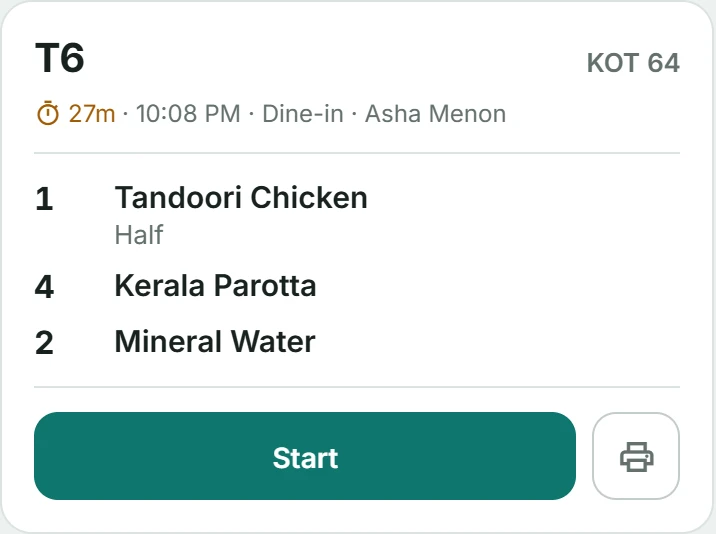
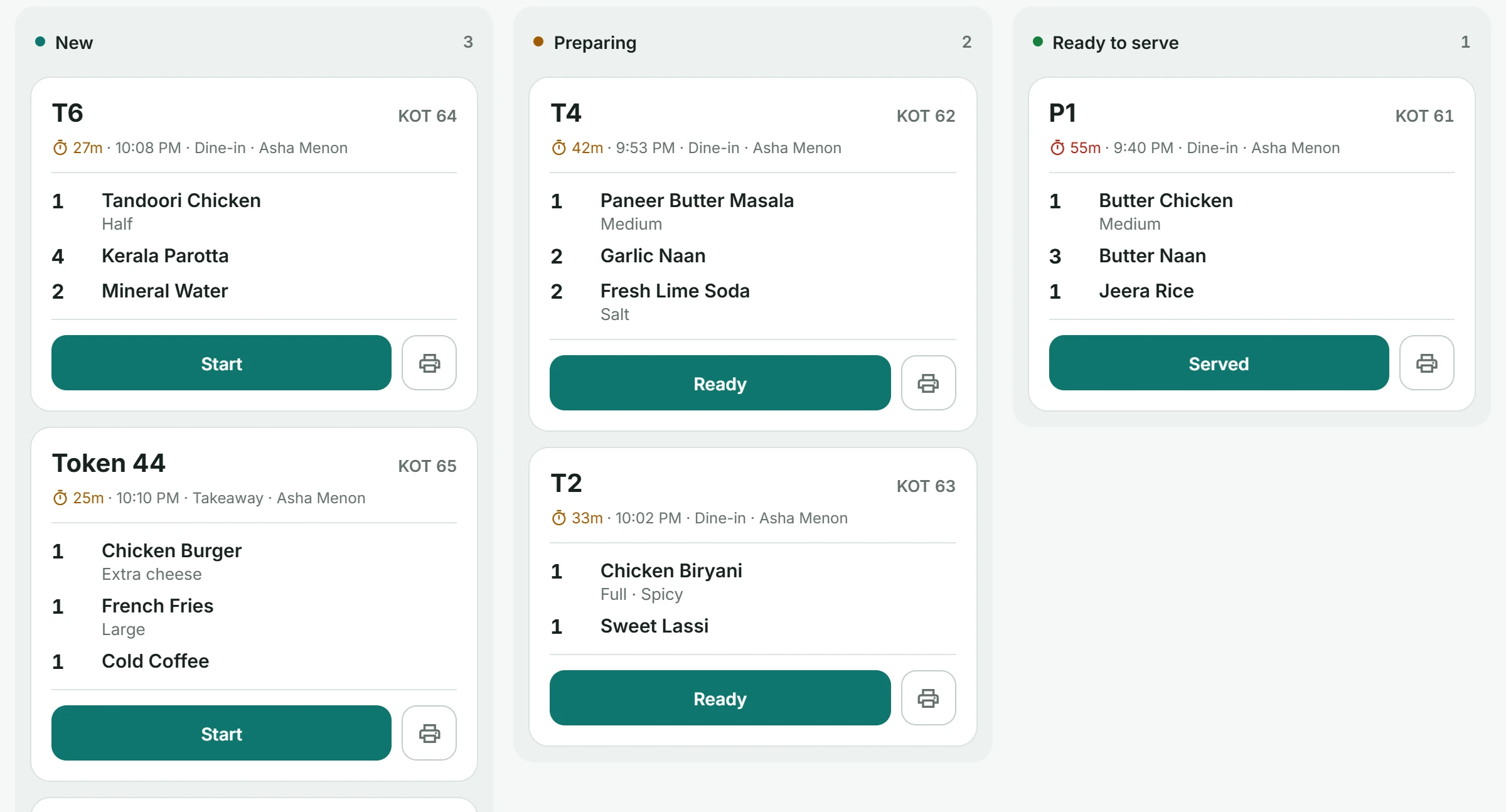
Send an order to the kitchen and it appears as a ticket on the kitchen screen. Your cooks move it from new to preparing to ready, and can print it when they need paper.
Reports
See net sales, orders and your average bill against yesterday, the busiest hour of the day and how your guests paid.
See everything in Aestrox POS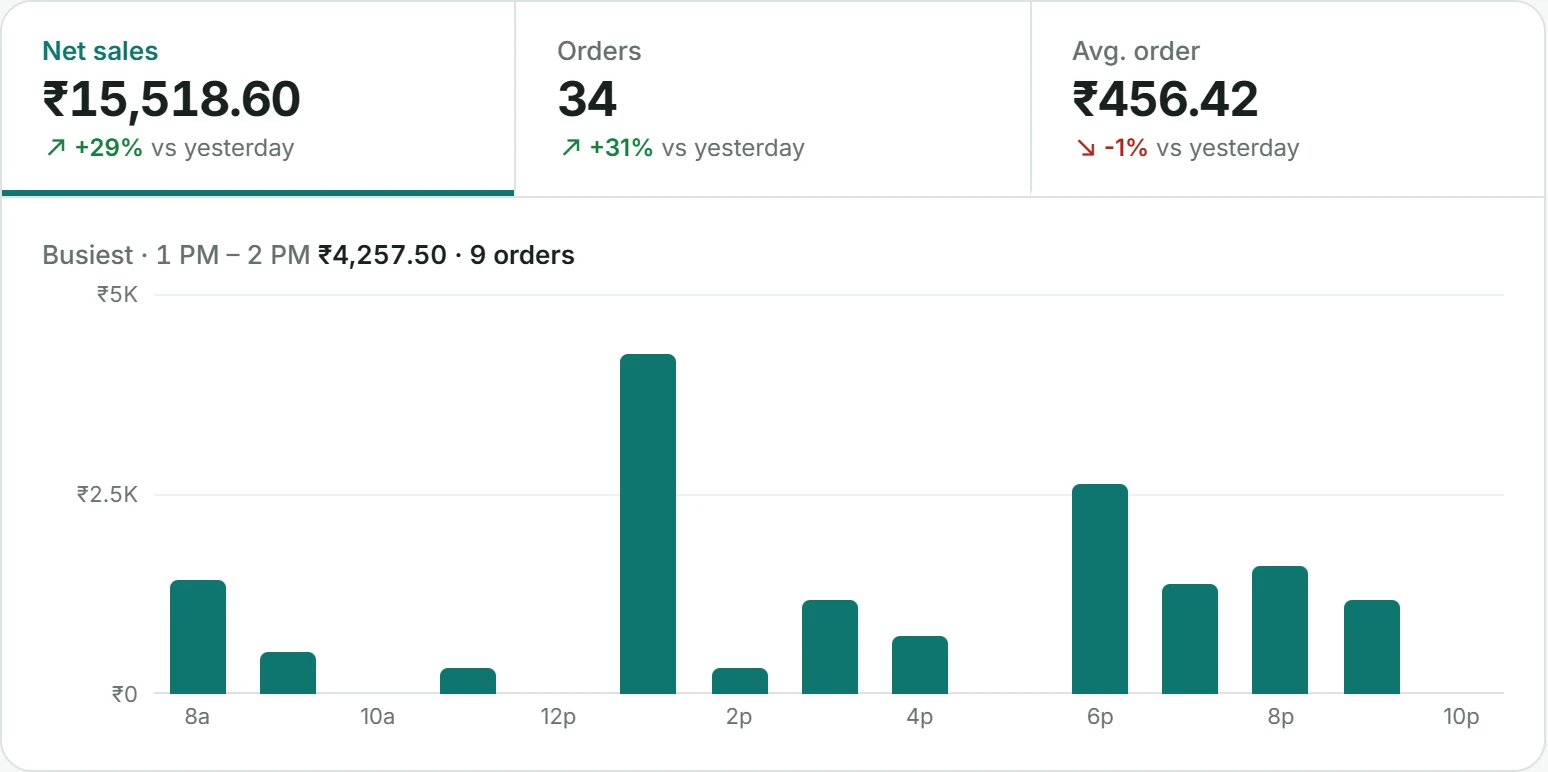
See which tables are free, how long guests have been seated and each bill.
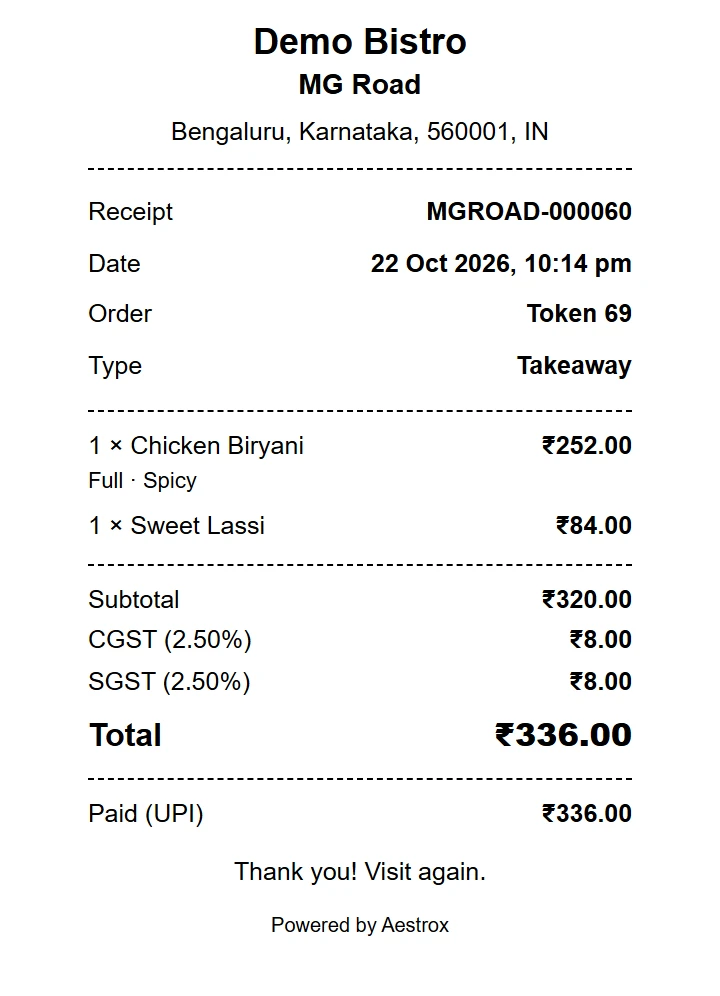
Every sale gets a numbered receipt with CGST and SGST.
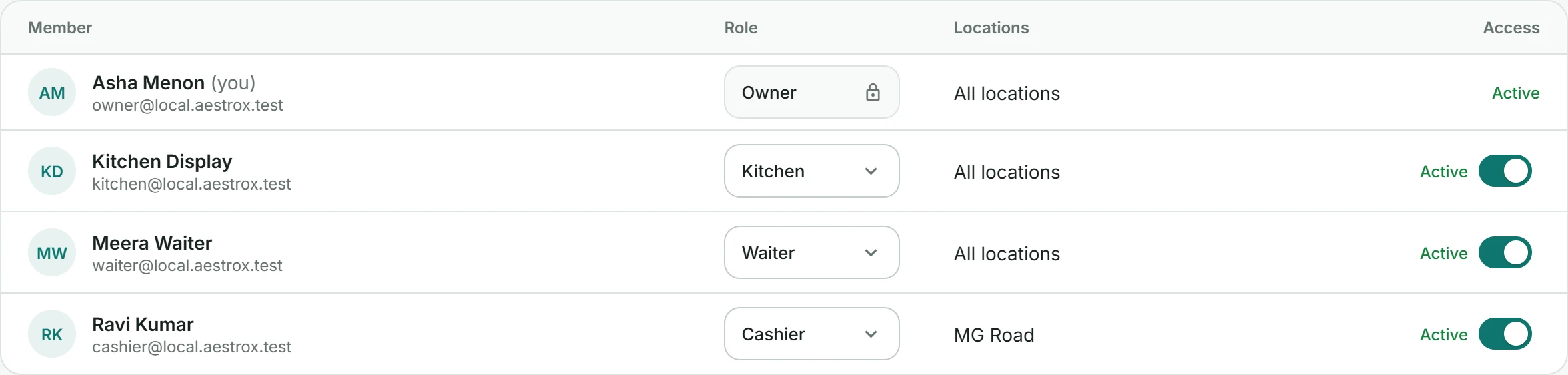
Owner, cashier, waiter and kitchen roles, each with the right access.
Aestrox for Android
Take orders at the table or the counter on Android phones and tablets. Print receipts from the device to a compatible receipt printer.
Aestrox builds software for the work businesses do every day. We are starting with point of sale for cafés and restaurants, with more business tools to follow.
About our companyTry Aestrox with your own menu and team during your 14-day free trial.
Share your business details and the setup you use today.
We help you get your menu, locations and team ready.
Use Aestrox in your business and speak to us about the right plan for you.
Aestrox builds software for the everyday work of running a business. Our first product, Aestrox POS, brings ordering, billing and business oversight into one workspace for cafés and restaurants.
Yes. Request a demo and tell us a little about your business. We can walk through your menu, service style and existing setup before you decide.
You can use Aestrox POS on computers, tablets and phones. Contact us to check your device and printer setup before buying hardware.
We offer monthly and annual billing options, with a 14-day free trial. Contact our team for a quote for your business and locations. We will confirm your subscription terms before you start.
Select Start your free trial and share your business details. Our team will contact you to set up your 14-day trial and help you get started. Submitting the form does not create a paid subscription.
Often, but compatibility needs to be checked. Browser printing uses the printer options available on your device. Direct thermal printing depends on your setup and supported adapters. Send us the printer model and connection type so we can help you check it.
You can record cash, card or UPI payments received through your existing payment setup. Aestrox does not currently process payments or automatically verify them with your bank. Your team confirms payment before recording it.
Yes. Team access is linked to organisations and locations, and members can switch between the businesses they have permission to access. We can help you plan your setup during onboarding.
Contact contact@aestrox.com for product support. For a new setup, a demo or a pricing question, use hello@aestrox.com or call our India sales number +91 89218 68300.
Get set up with help from our team.